 NativeDiagram
The SmartArt layout gallery
Find the right shape for your ideas.
Explore native SmartArt layouts your AI assistant can create with your content. Keep editing the result in Word or PowerPoint.
Browse layoutsNative, editable SmartArt DOCX + PPTX
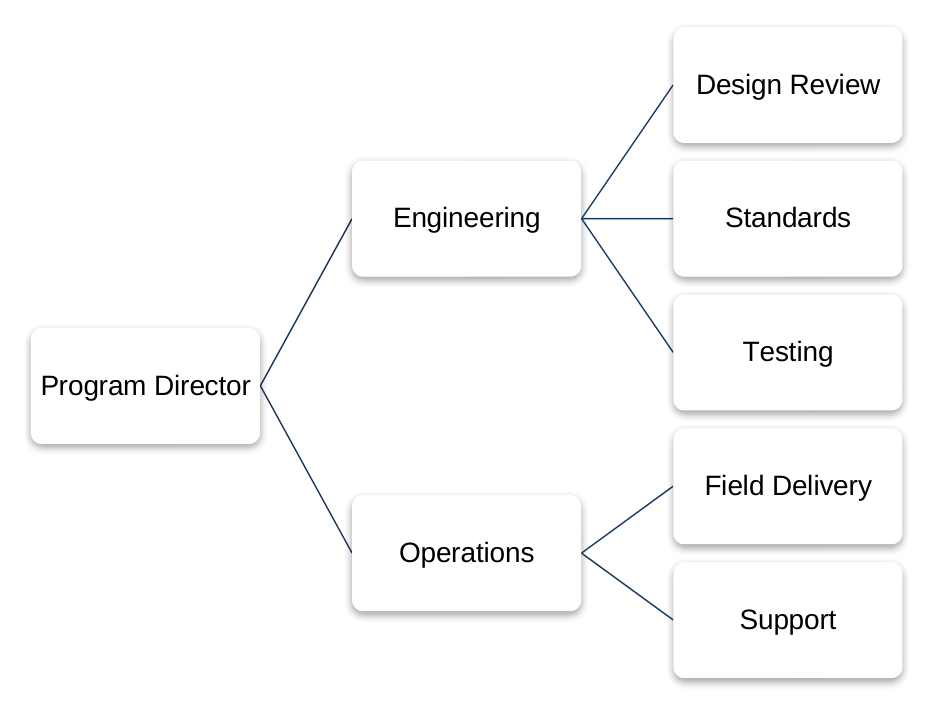
Three-Level Organization Chart
3 levels · 2 direct reports · 5 nested reports
Explore by diagram type
73 layouts 9 types
Process
Show the steps in a workflow, from start to finish.
3, 4, 5, 6, 7, 8 or 9 steps
-
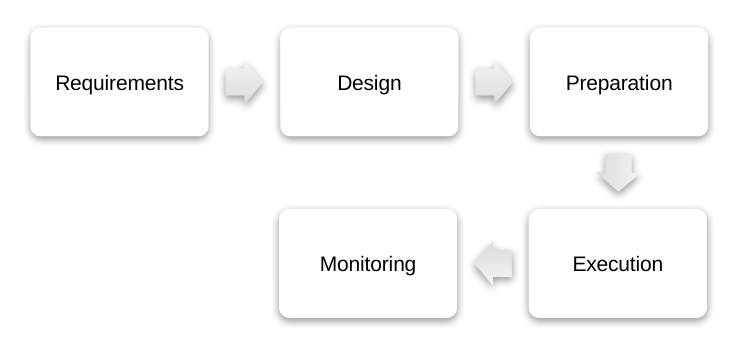
Five-Stage Process
5 steps
-
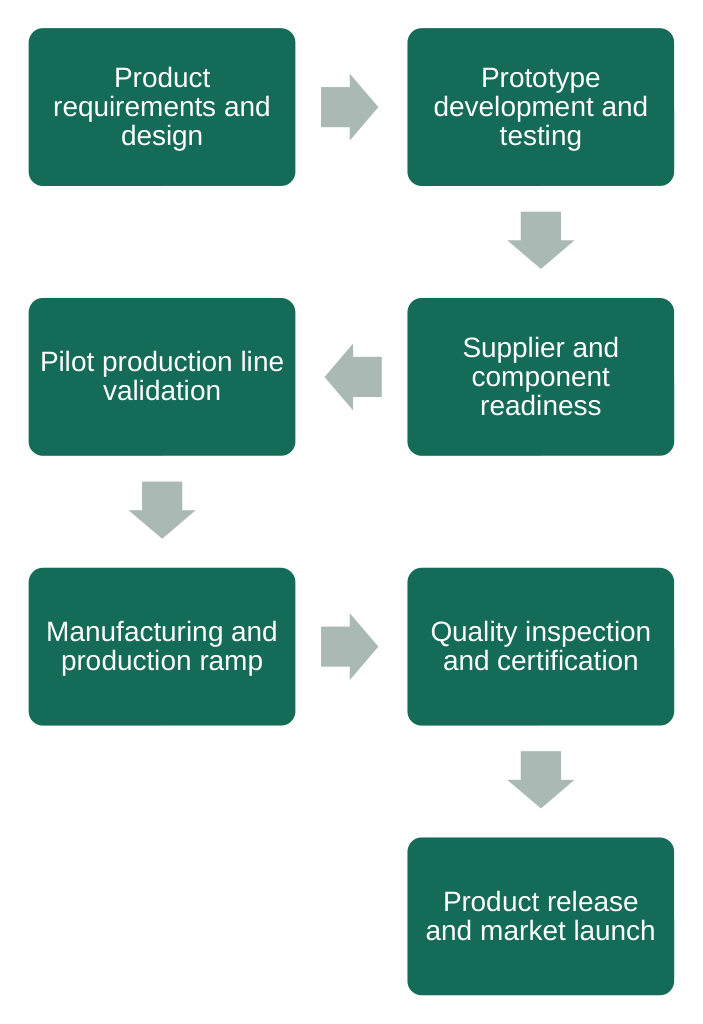
Seven-Step Process
7 steps · Longer labels
-
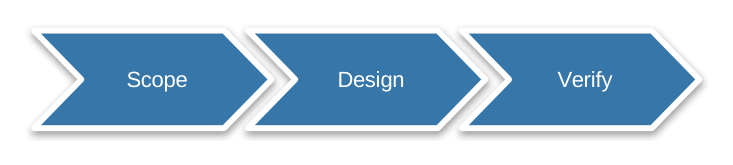
Three-Stage Chevron Process
3 steps
-

Basic Three-Stage Process
3 steps
-
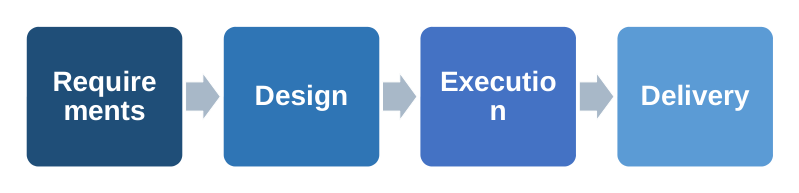
Basic Four-Stage Process
4 steps
-
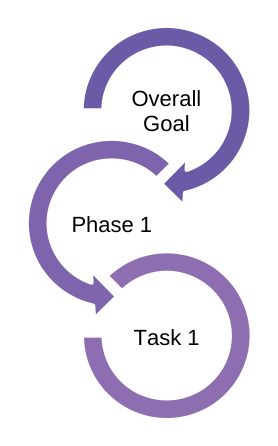
Circular Arrow Process
3 steps
-
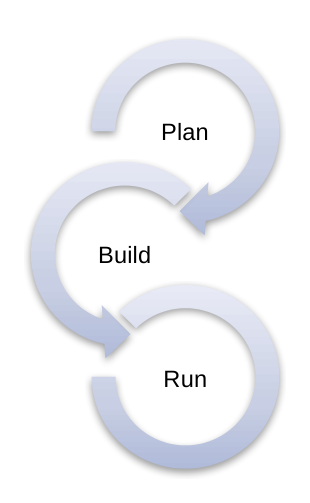
Three-Stage Circular Arrow Process
3 steps
-
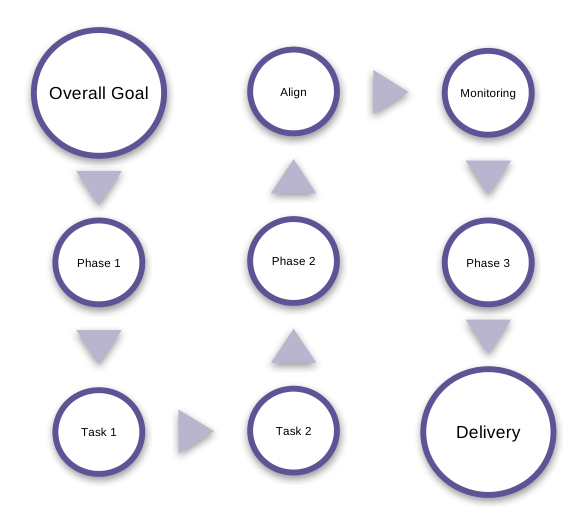
Segmented Block Process
9 steps
-
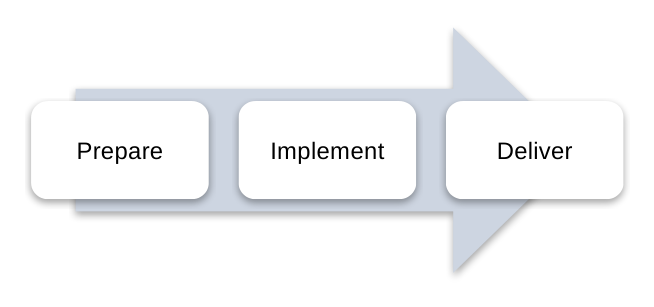
Three-Stage Continuous Block Process
3 steps
-
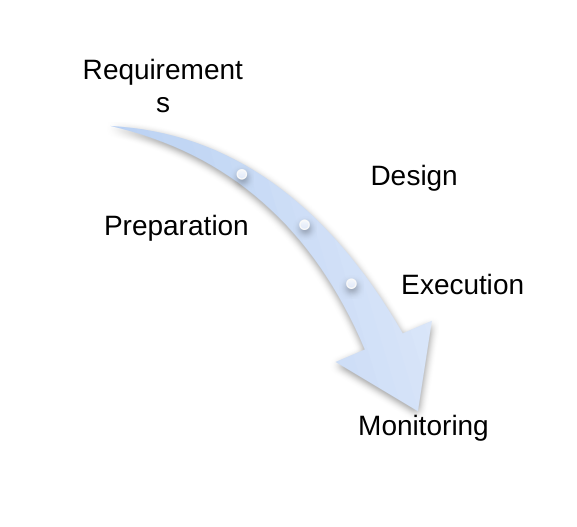
Descending Process
5 steps
-
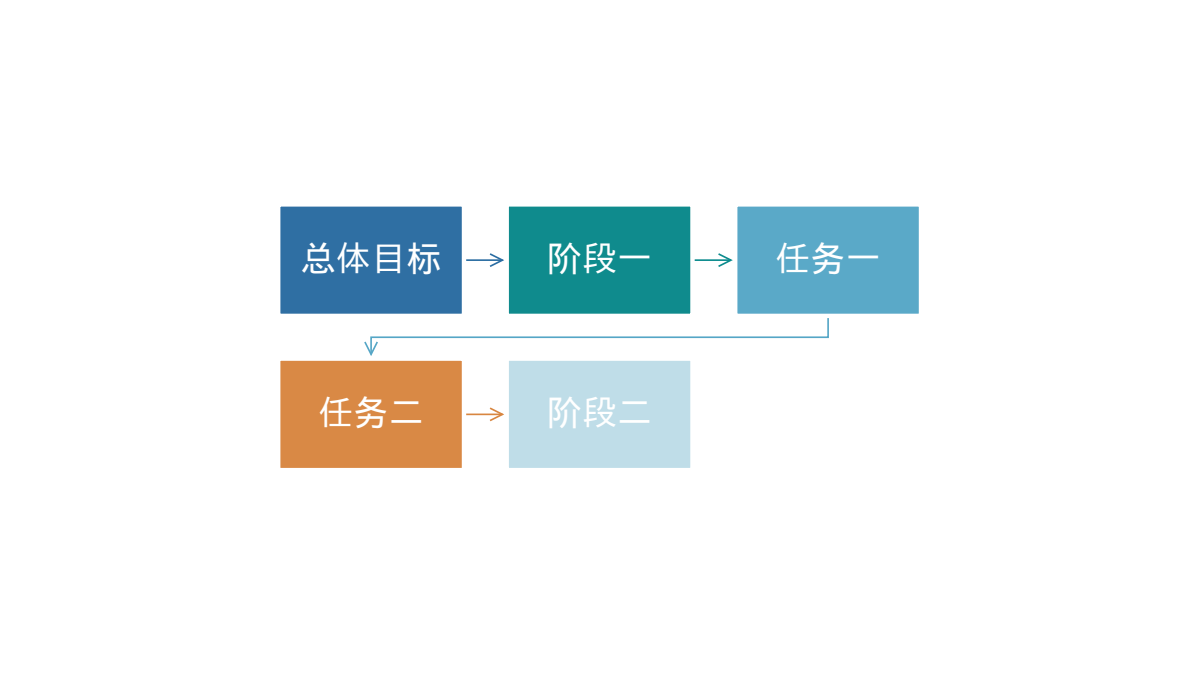
Continuous Block Process
5 steps
-
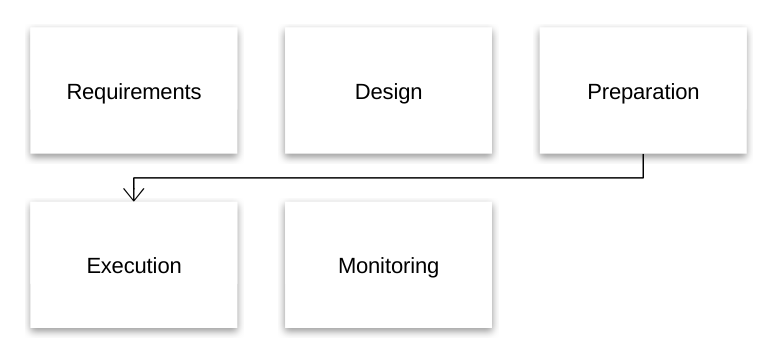
Continuous Block Process
5 steps
-
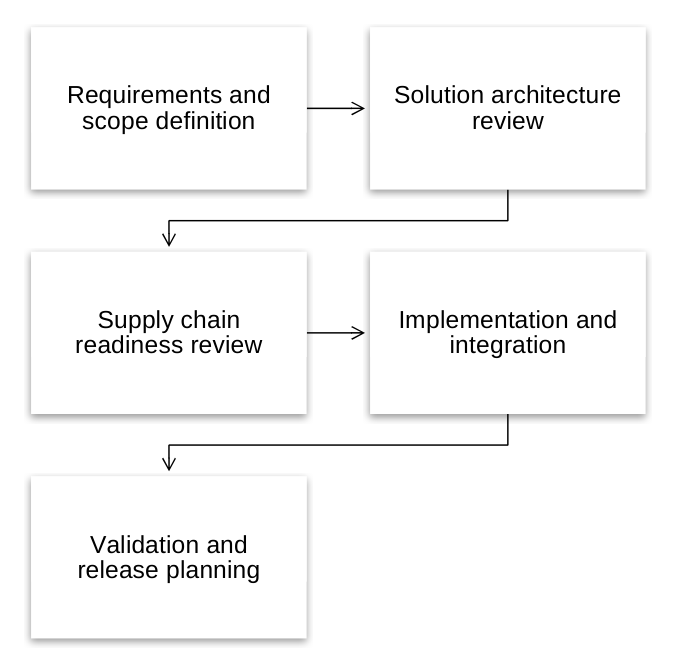
Five-Step Process
5 steps · Longer labels
-
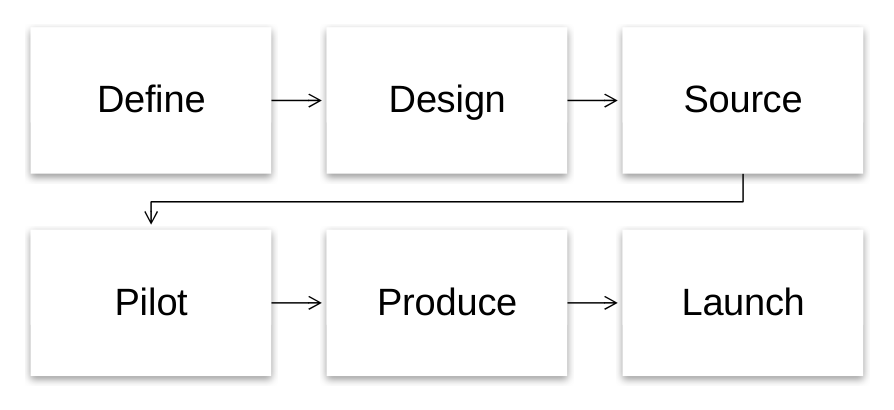
Six-Stage Process
6 steps
-
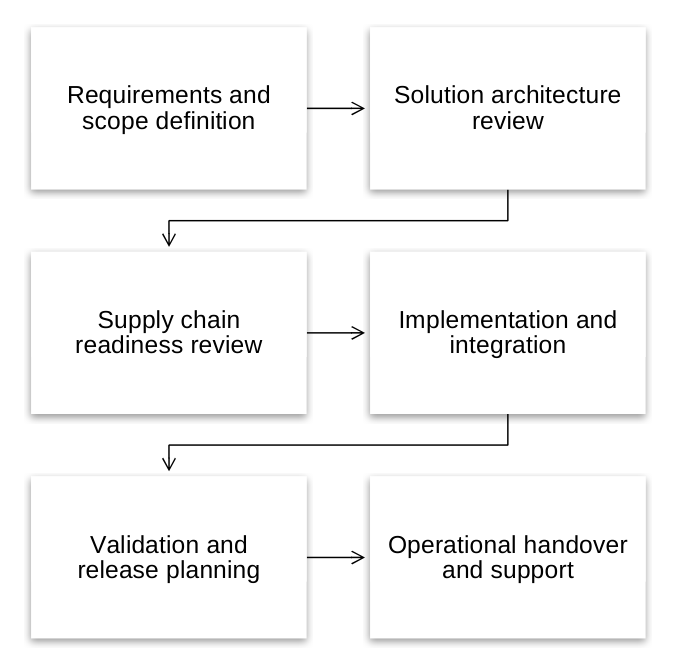
Six-Step Process
6 steps · Longer labels
-
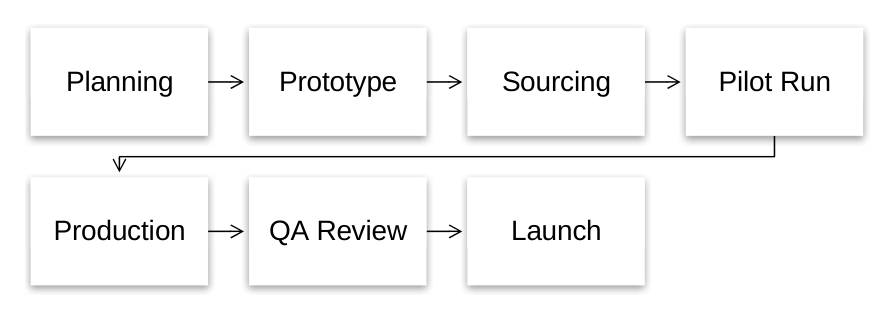
Seven-Stage Process
7 steps
-
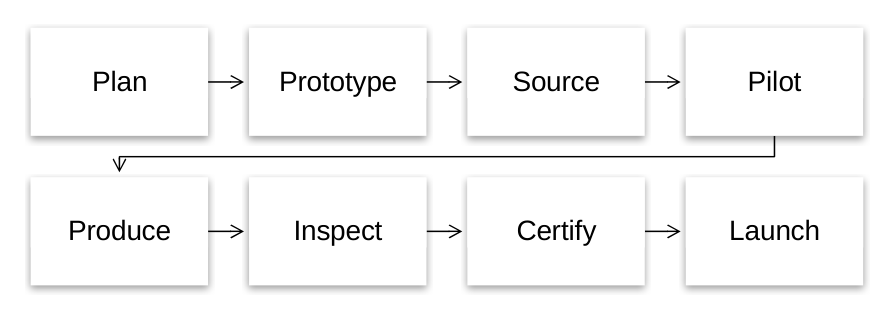
Eight-Stage Process
8 steps
-
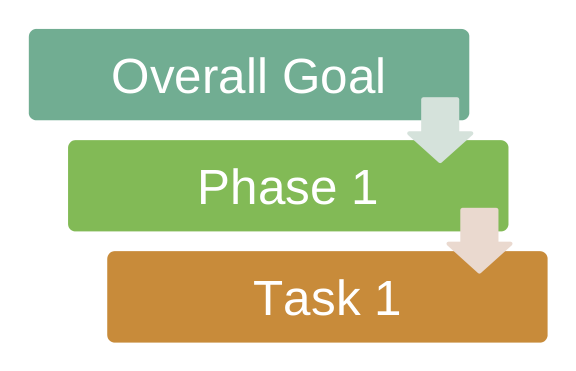
Vertical Stage Process
3 steps
-
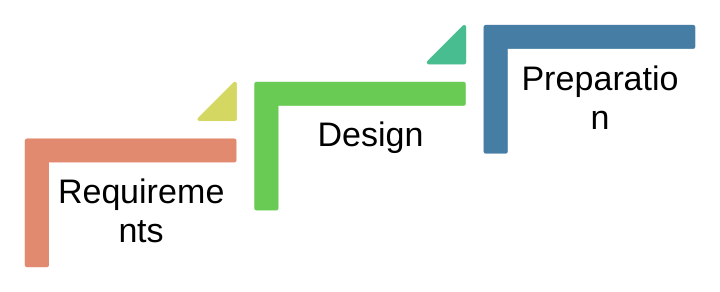
Stepping-Up Process
3 steps
-
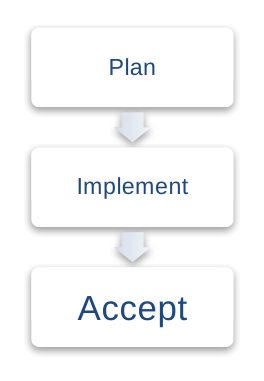
Three-Stage Vertical Process
3 steps
-
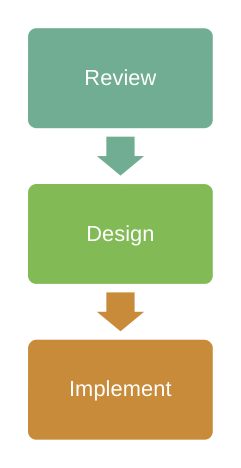
Three-Stage Vertical Process
3 steps
-
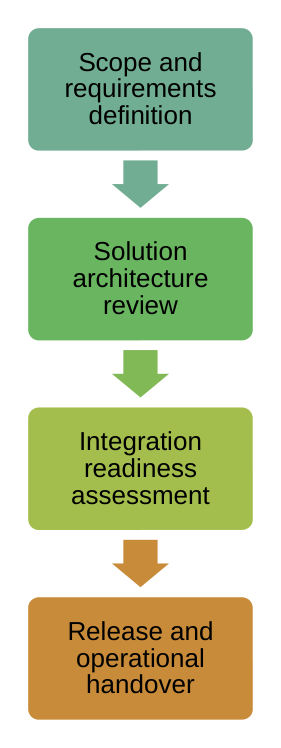
Four-Step Process
4 steps · Longer labels
Hierarchy
Show reporting lines and how teams are organized.
2 or 3 levels
-
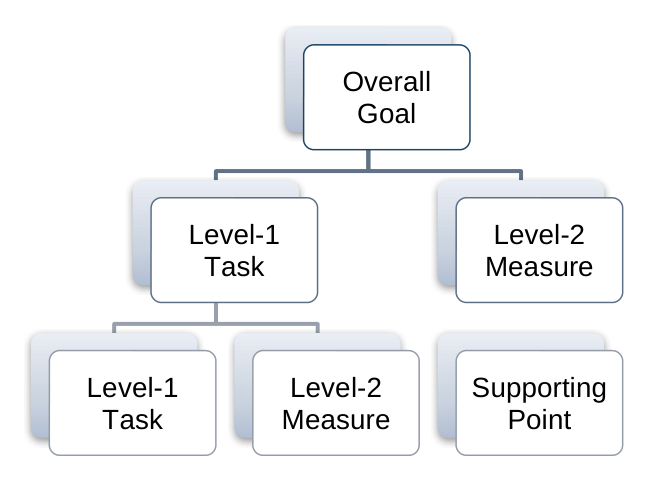
Horizontal Hierarchy
3 levels · 2 direct reports · 3 nested reports
-
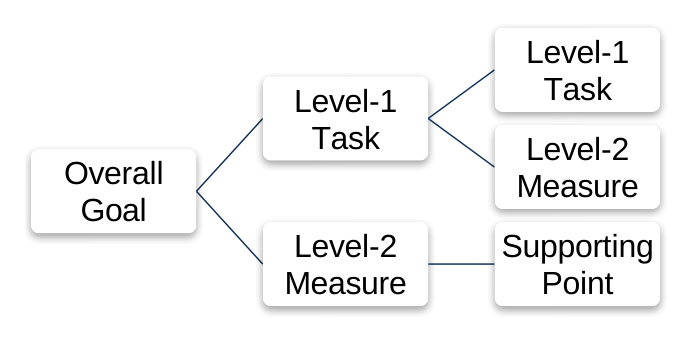
Grouped Hierarchy
3 levels · 2 direct reports · 3 nested reports
-
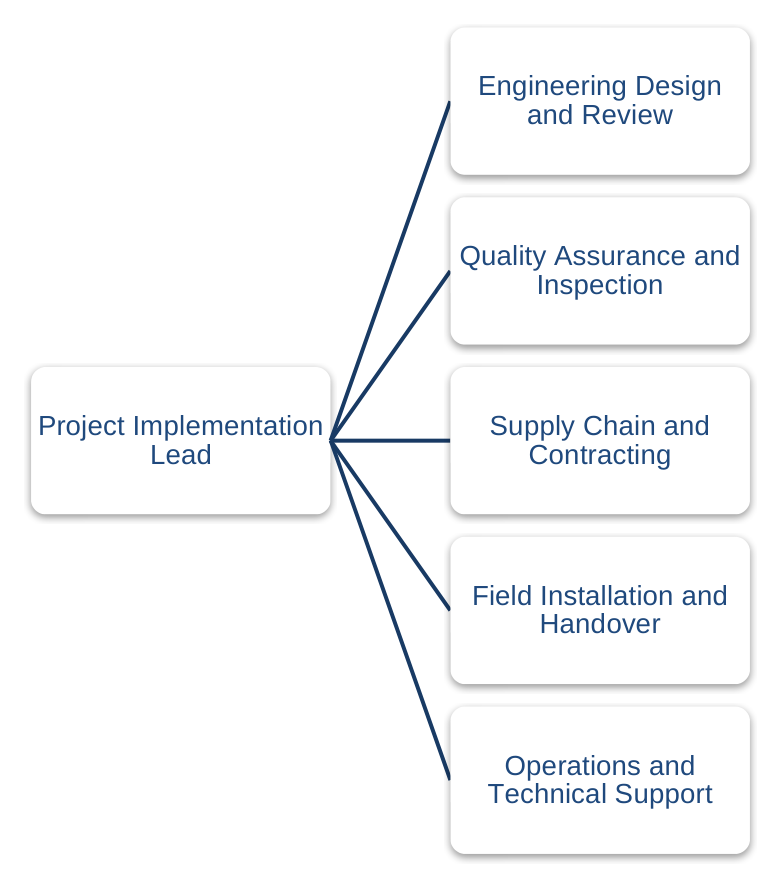
Five Direct Reports
2 levels · 5 direct reports · Longer labels
-
Three-Level Organization Chart
3 levels · 2 direct reports · 5 nested reports
-
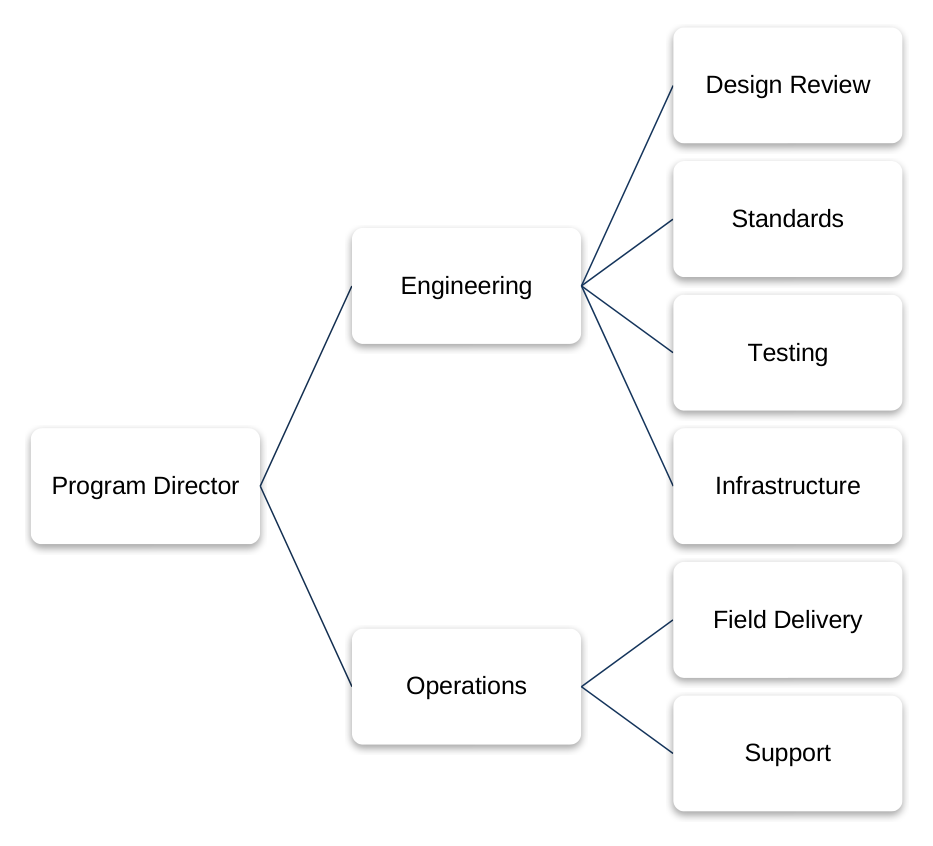
Three-Level Organization Chart
3 levels · 2 direct reports · 6 nested reports
-
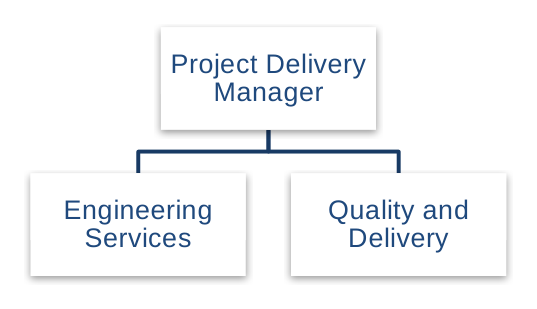
Two-Branch Flat Organization Chart
2 levels · 2 direct reports
-
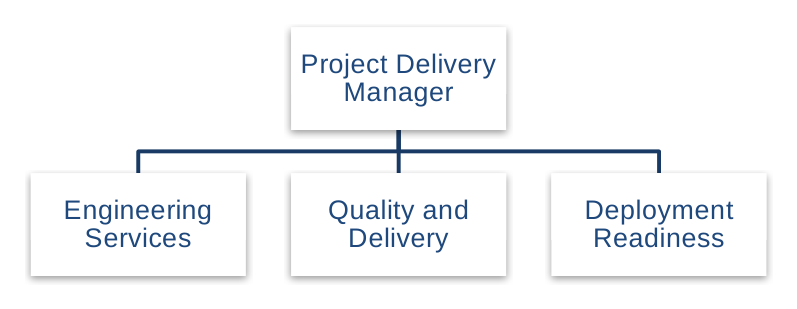
Three-Branch Flat Organization Chart
2 levels · 3 direct reports
-
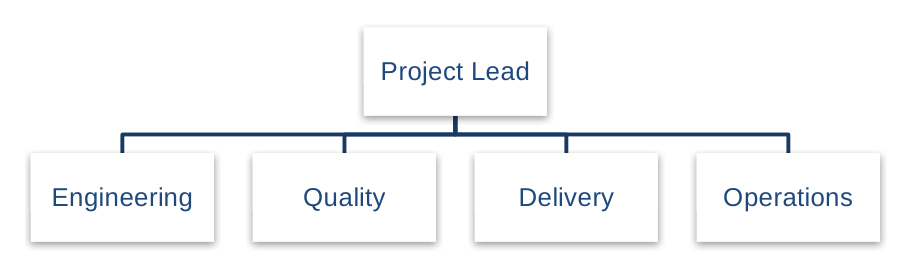
Four-Branch Flat Organization Chart
2 levels · 4 direct reports
-
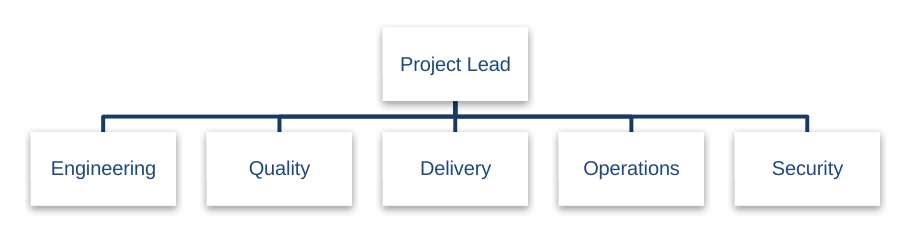
Five-Branch Flat Organization Chart
2 levels · 5 direct reports
-
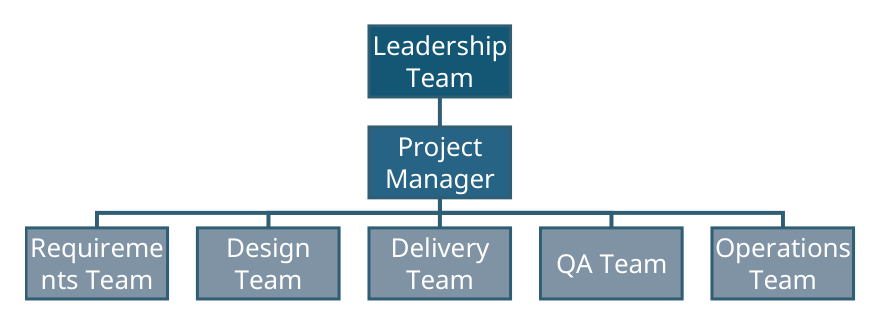
Project Implementation Org Chart
3 levels · 1 direct report · 5 nested reports
-
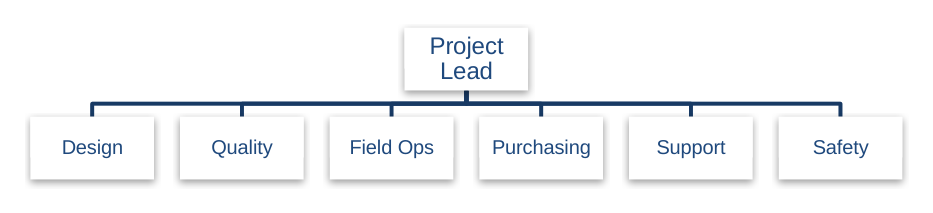
Six-Branch Flat Organization Chart
2 levels · 6 direct reports
-
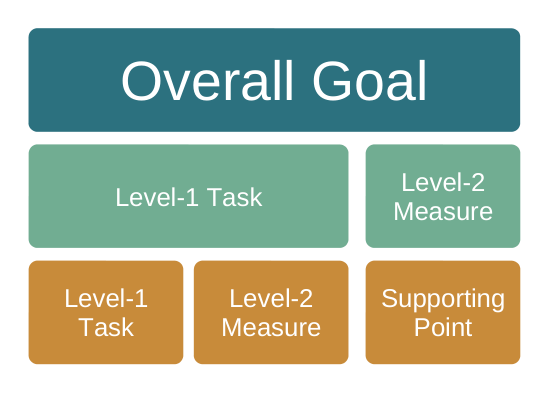
Tabular Hierarchy
3 levels · 2 direct reports · 3 nested reports
Cycle
Show a sequence that repeats, such as a feedback loop.
3, 4, 5, 6, 7 or 8 stages
-
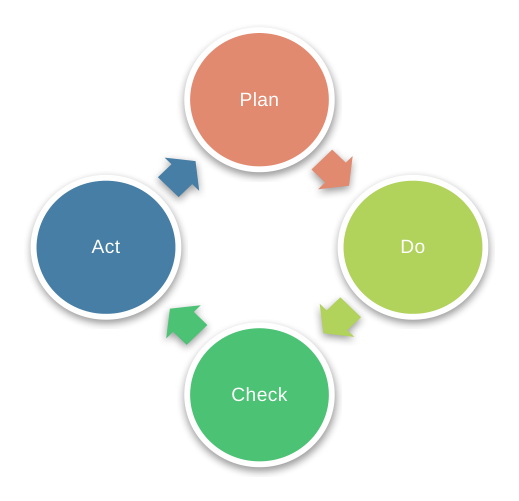
Four-Stage Directed Cycle
4 stages
-
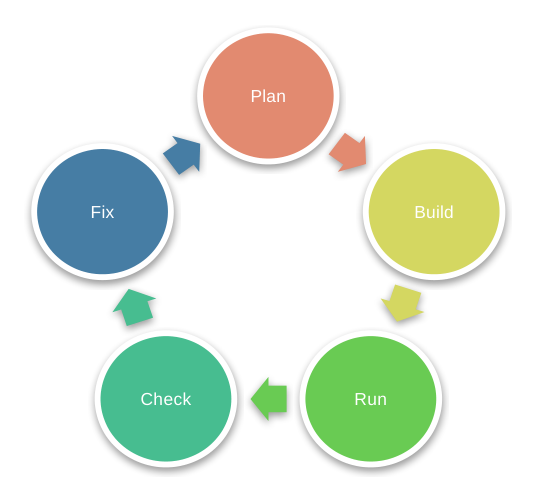
Continuous Arrow Cycle
5 stages
-
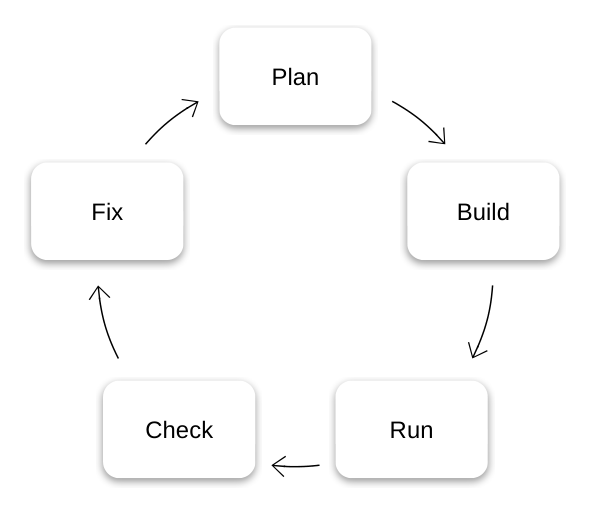
Text-Wrap Cycle
5 stages
-
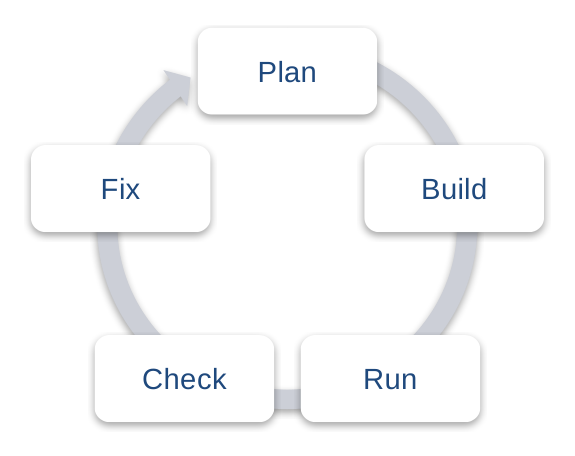
Segmented Arrow Cycle
5 stages
-
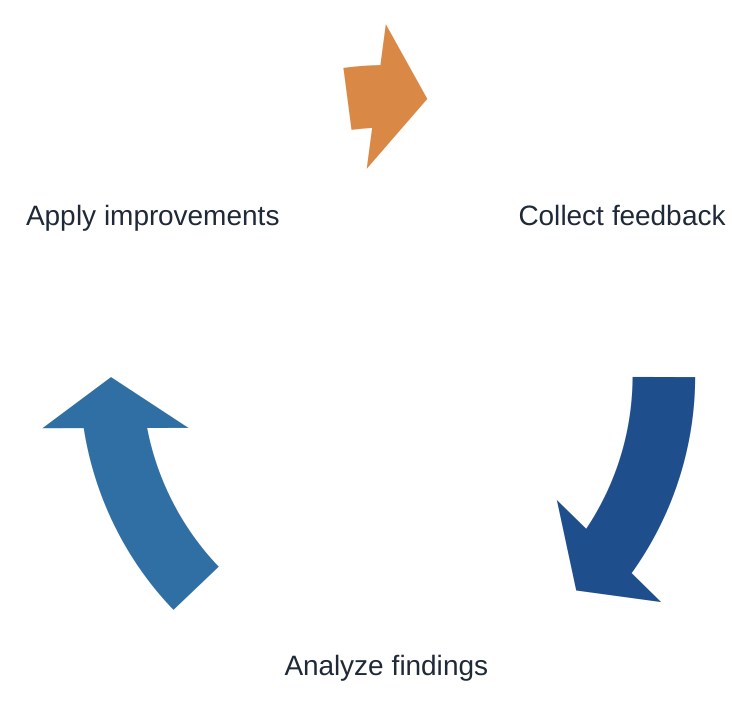
Three-Stage Directed Text Cycle
3 stages
-
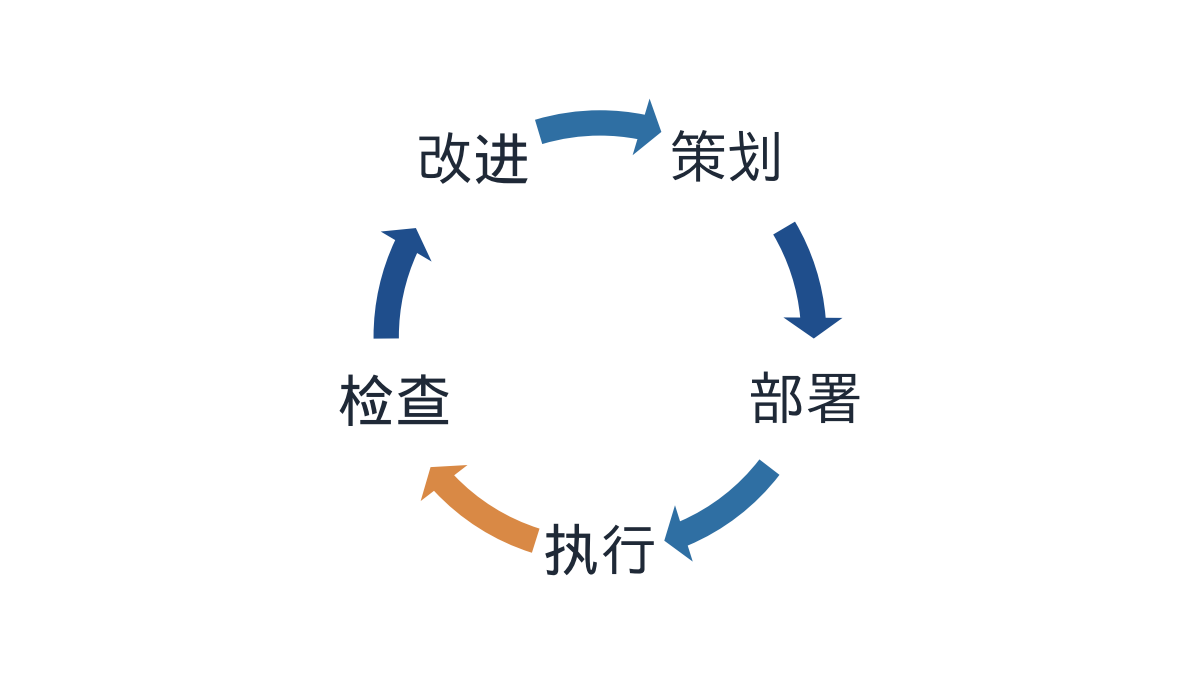
Basic Circular Cycle
5 stages
-
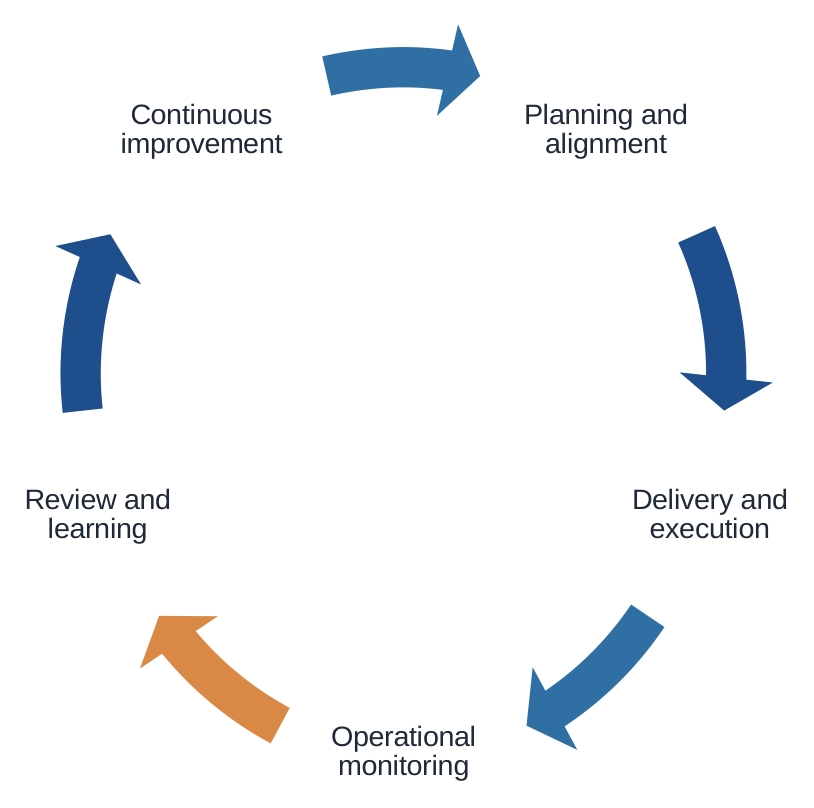
Five-Stage Text Cycle
5 stages · Longer labels
-
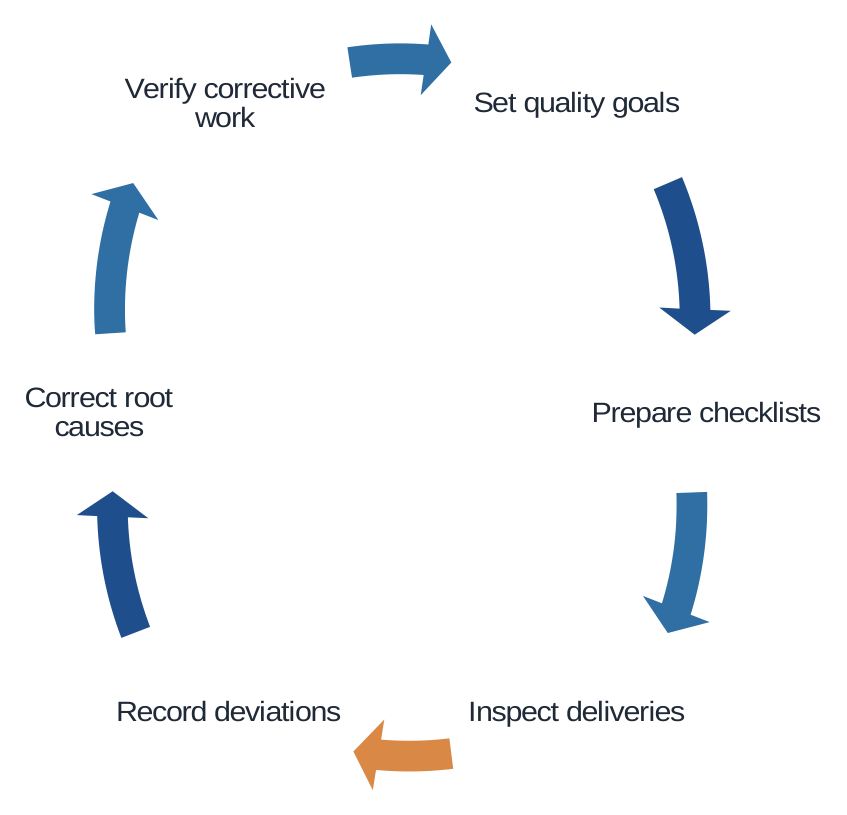
Six-Stage Directed Text Cycle
6 stages
-
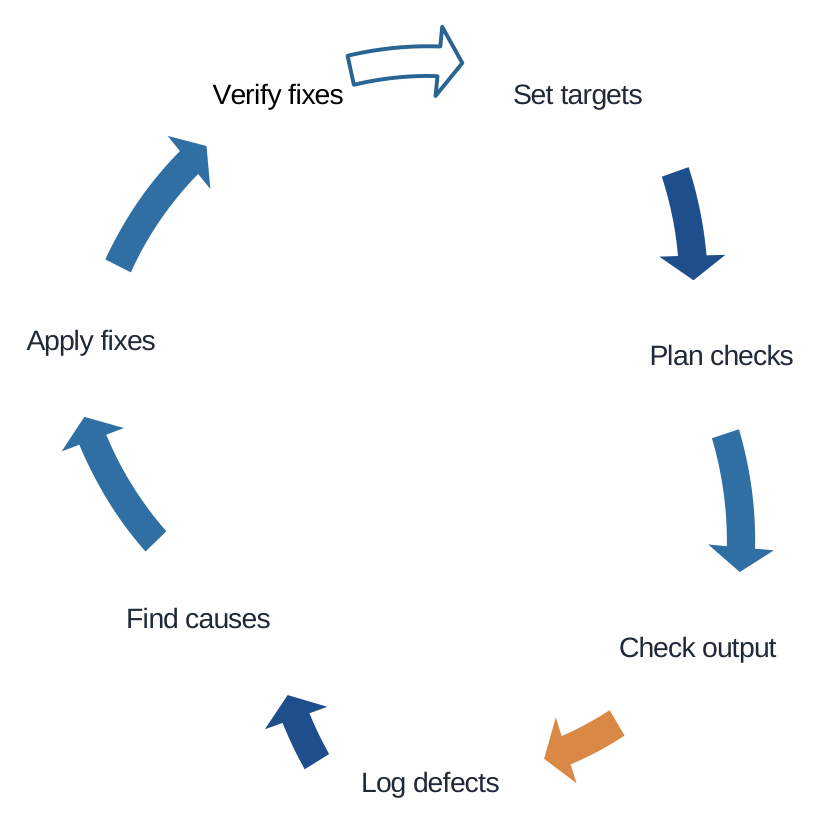
Seven-Stage Directed Text Cycle
7 stages
-
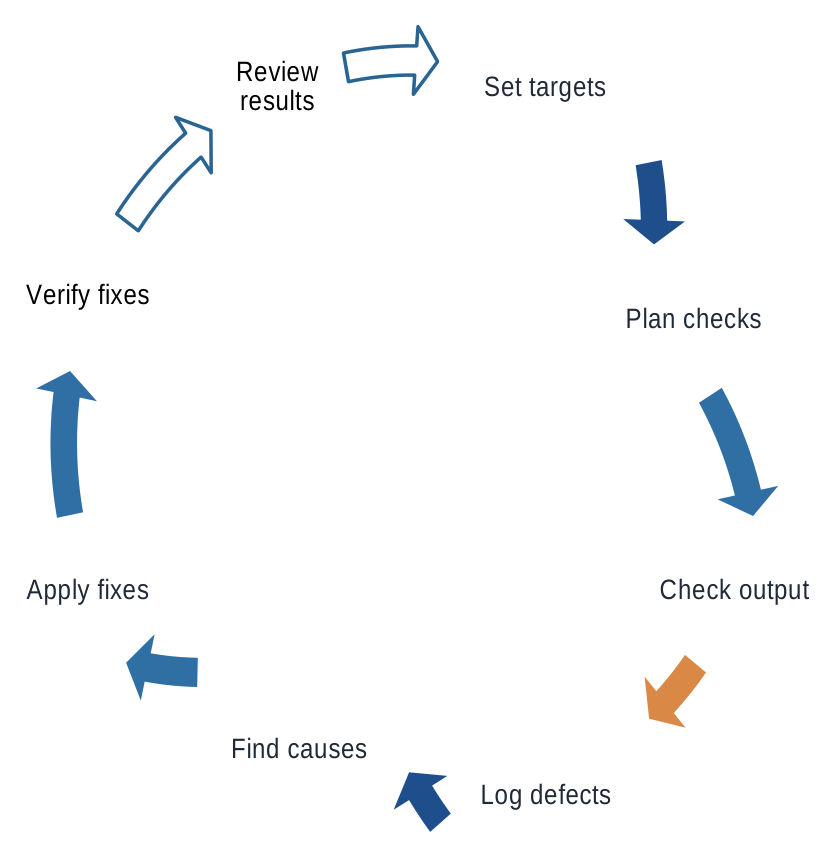
Eight-Stage Directed Text Cycle
8 stages
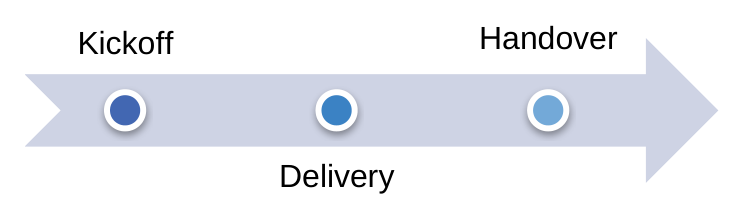
Timeline
Put milestones in chronological order.
3, 4 or 5 milestones
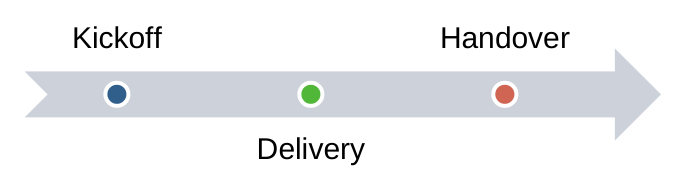
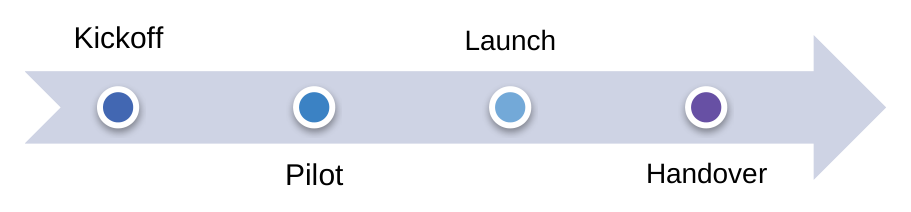
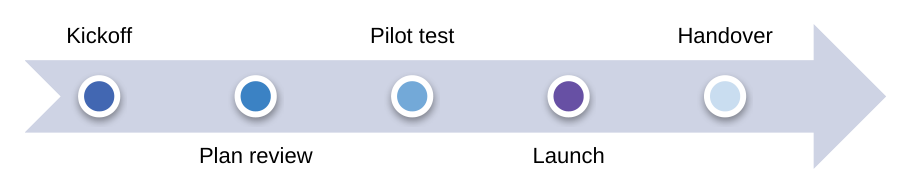
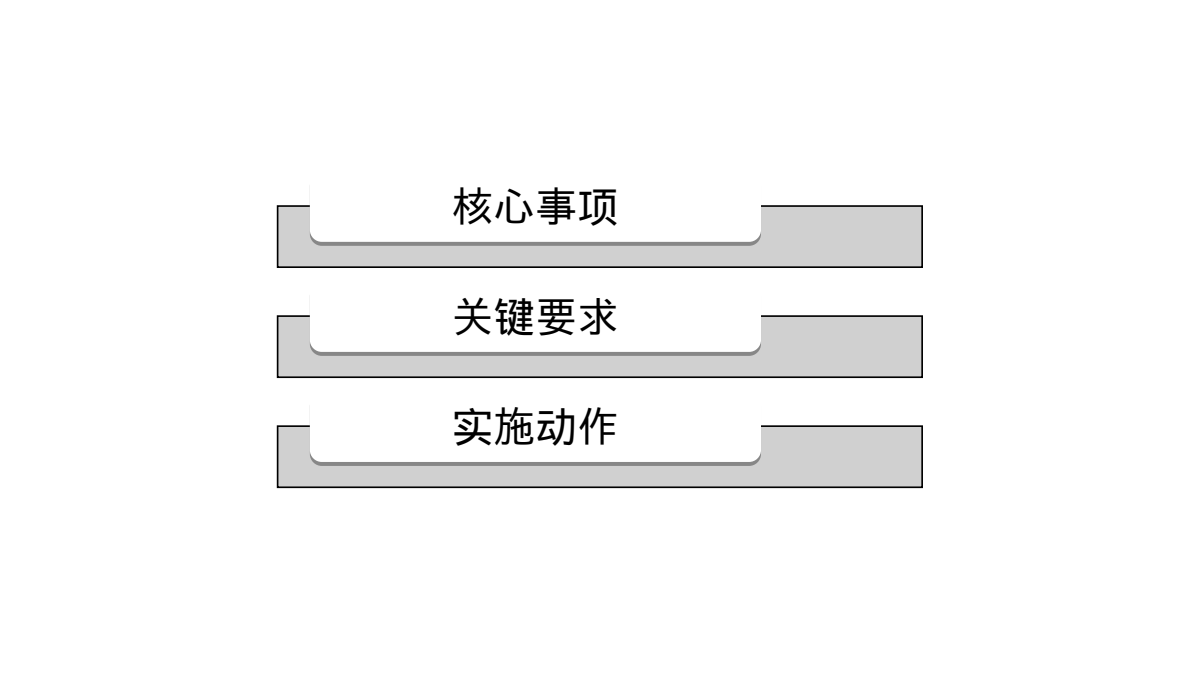
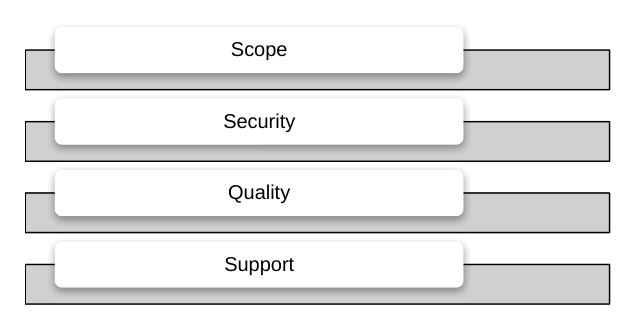
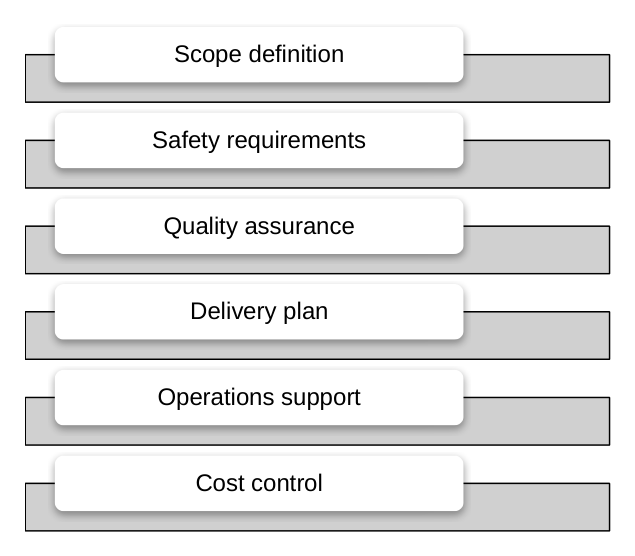
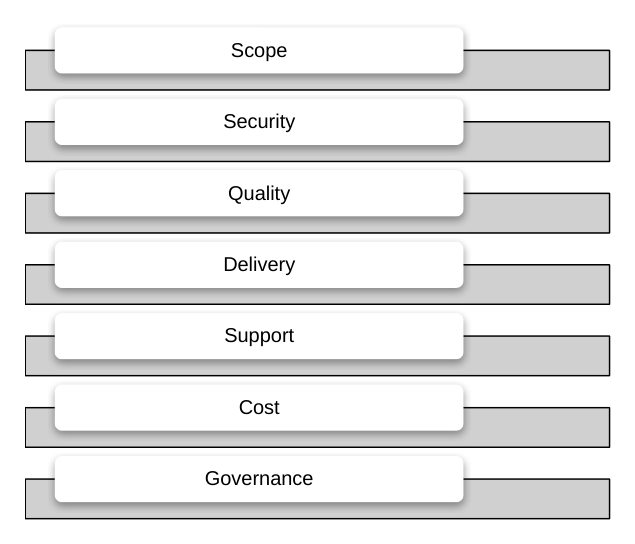
List
Give parallel ideas, features or principles equal weight.
3, 4, 5, 6, 7 or 8 items
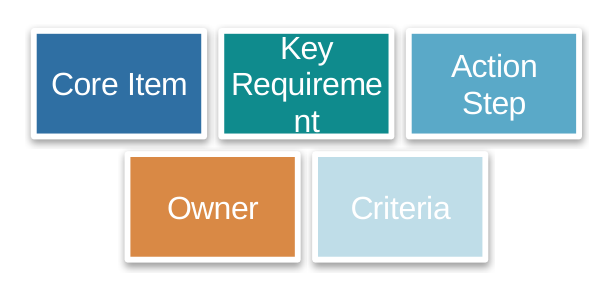
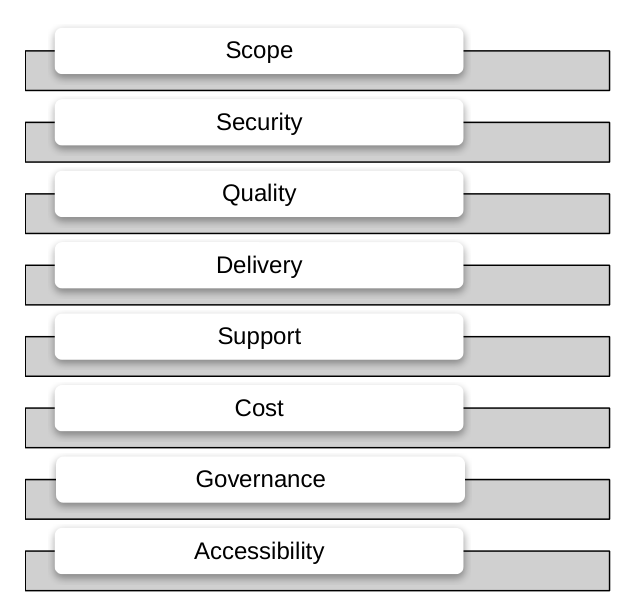
Radial
Connect a central idea to the elements around it.
3, 4, 5 or 6 spokes
-
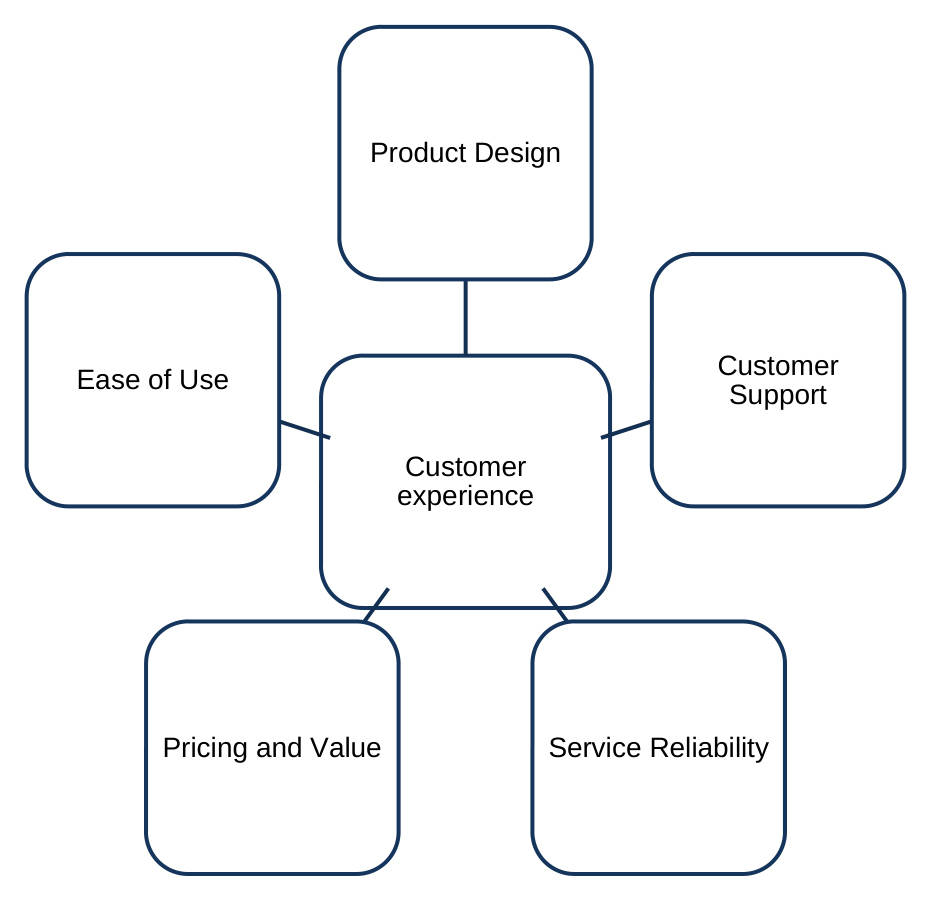
Five-Spoke Radial Association
5 spokes · Longer labels
-
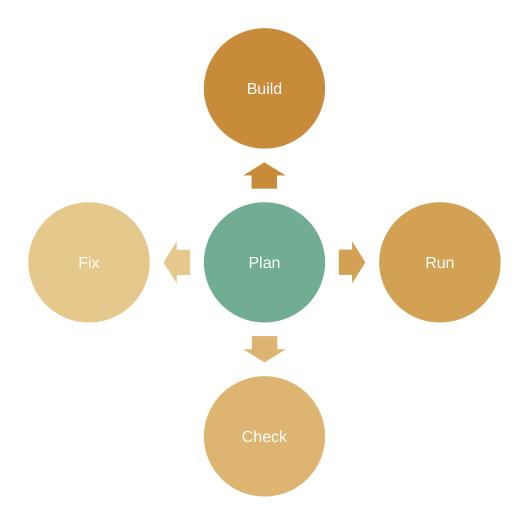
Four-Spoke Diverging Radial
4 spokes · Outward arrows
-
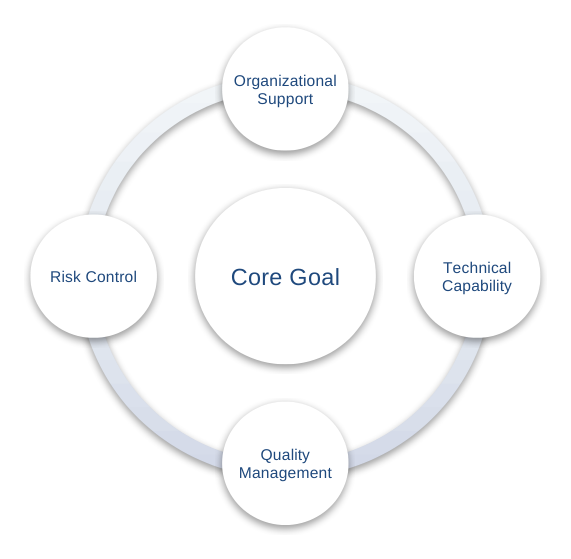
Orbiting Radial Diagram
4 spokes
-
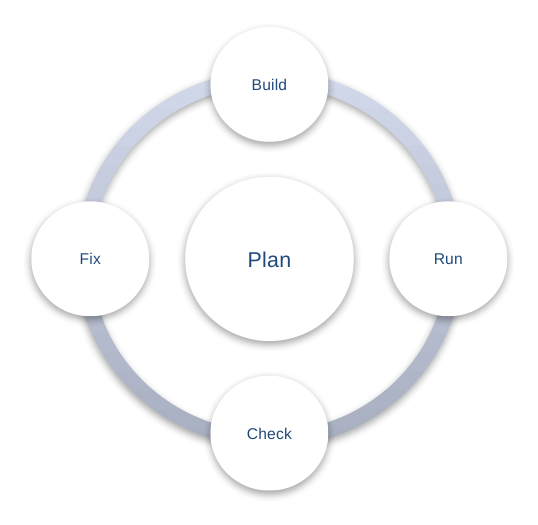
Four-Spoke Radial Venn
4 spokes
-
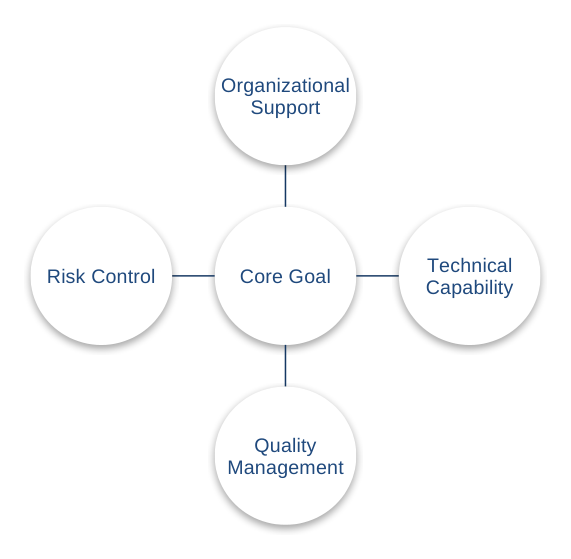
Center-Radiating Diagram
4 spokes
-
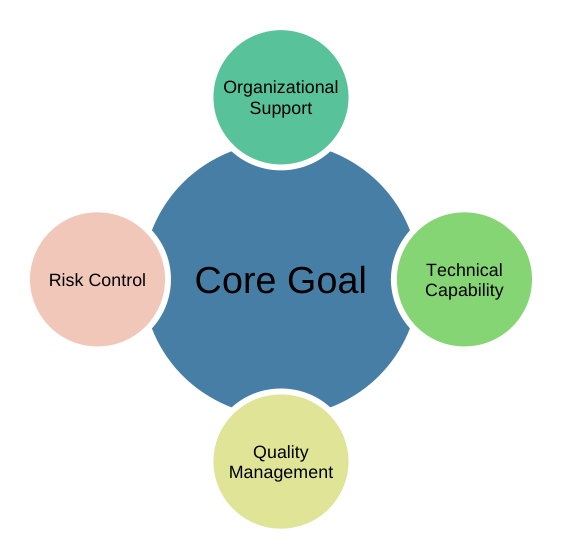
Radial Spokes Diagram
4 spokes
-
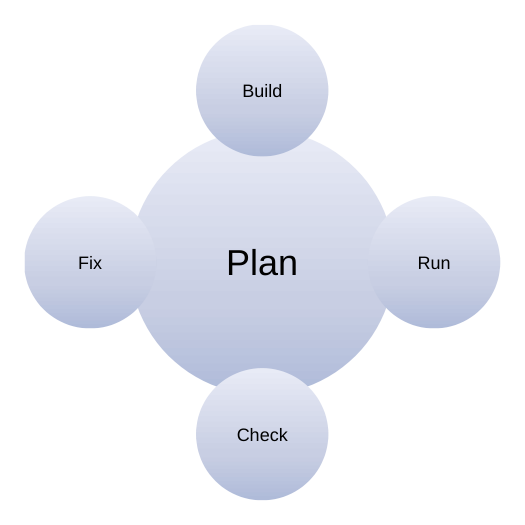
Four-Spoke Radial Cluster
4 spokes
-
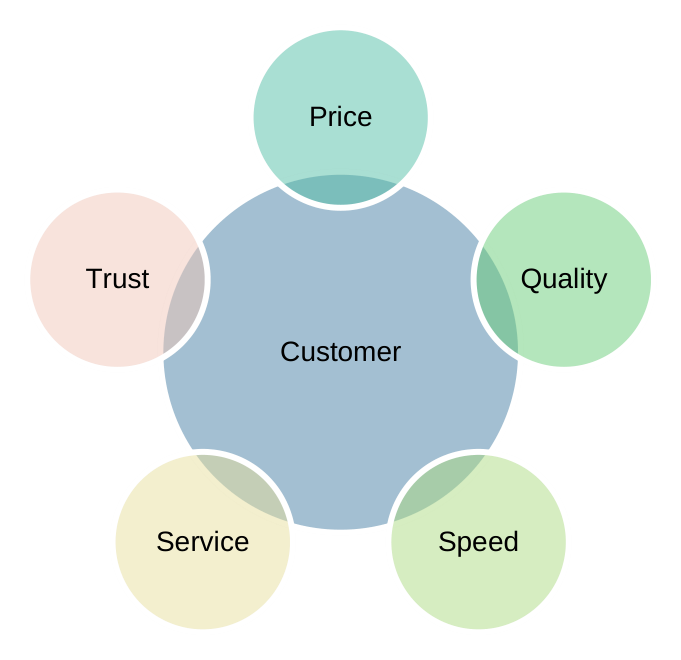
Radial Association 6 Nodes
5 spokes
-
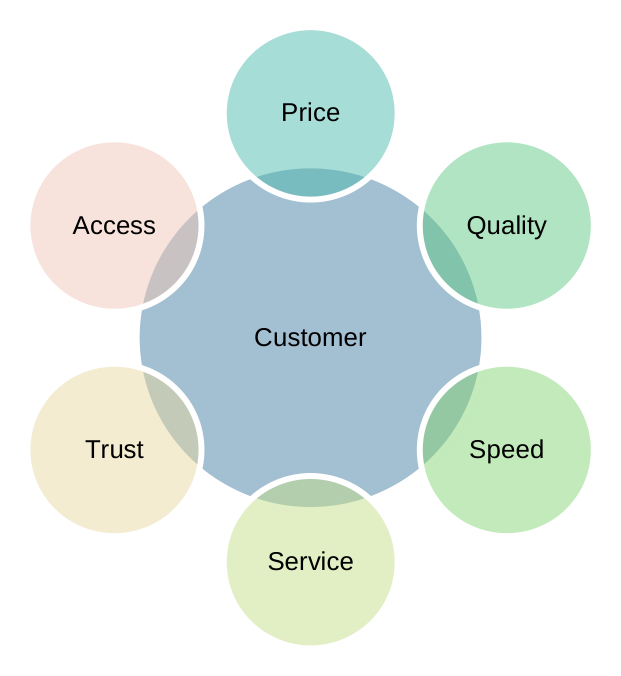
Radial Association 7 Nodes
6 spokes
-
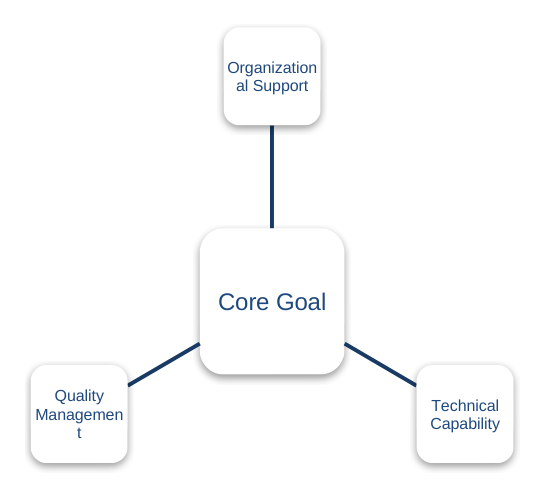
Three-Spoke Radial Association
3 spokes
-
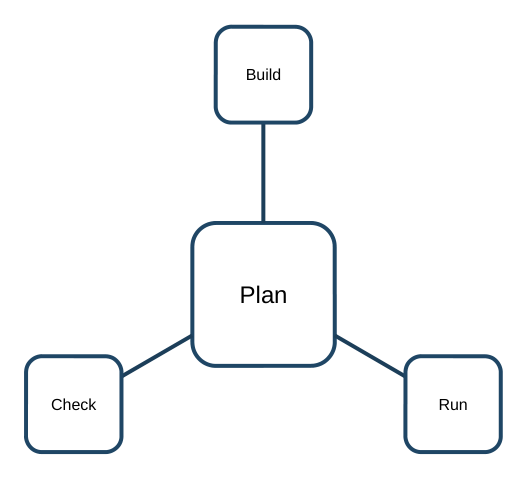
Three-Spoke Radial Association
3 spokes
-
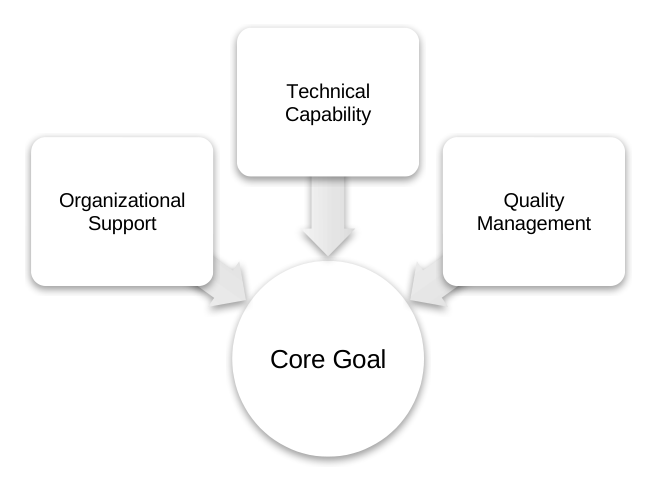
Radiating Relationship Diagram
3 spokes · Inward arrows
Relationship
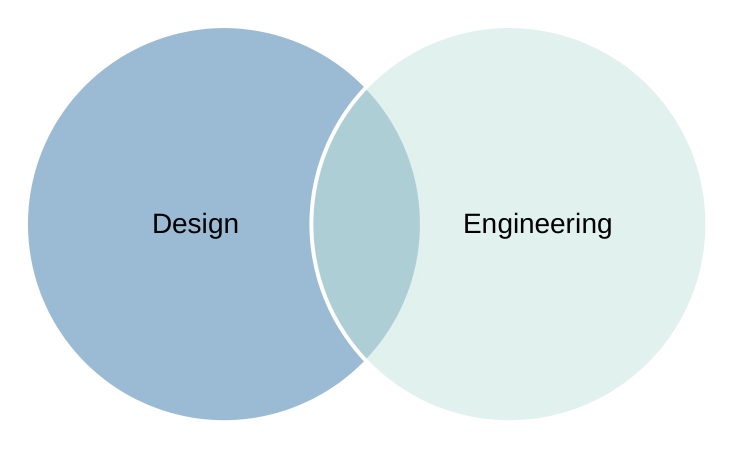
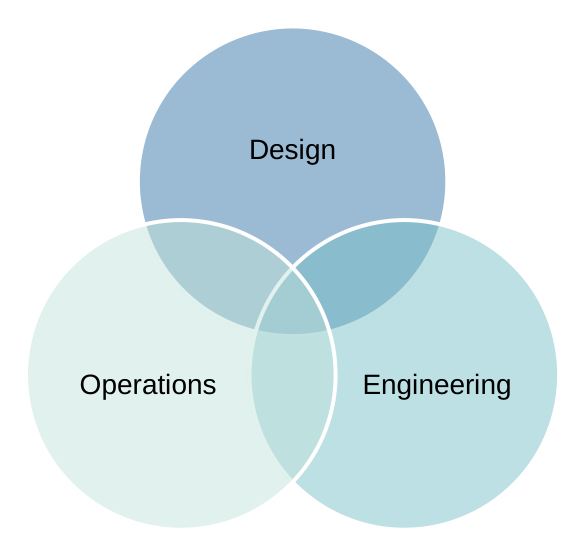
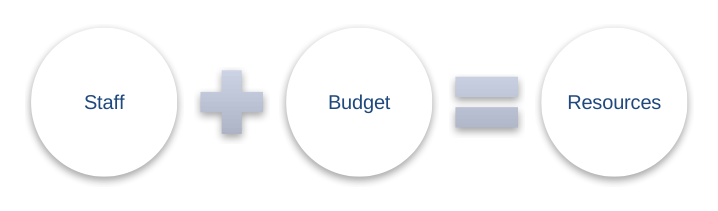
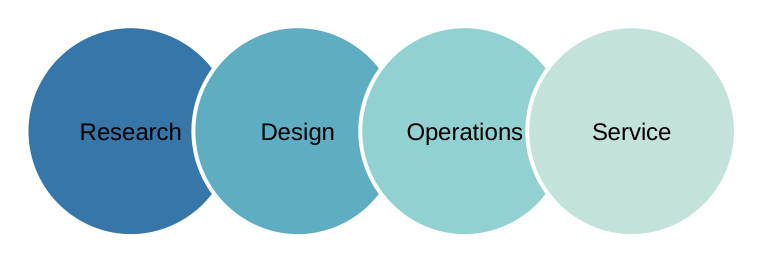
Show where sets overlap or how inputs combine.
2, 3 or 4 sets · 2 inputs → 1 outcome
Matrix
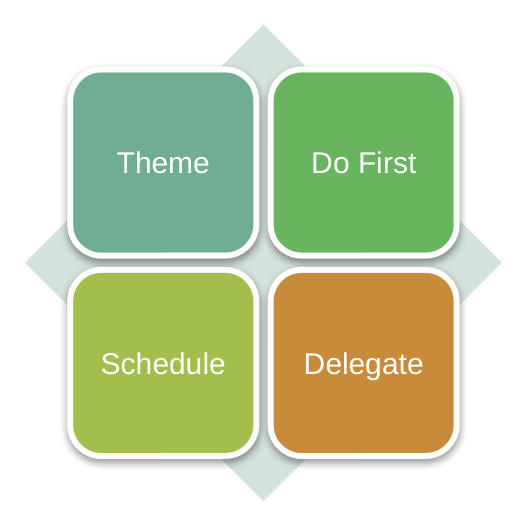
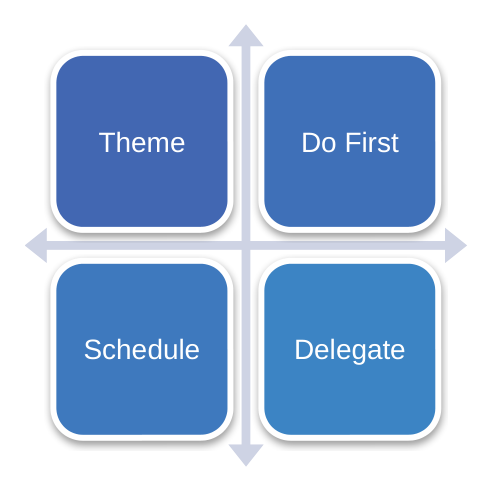
Compare groups or priorities in a grid.
4 cells
Pyramid
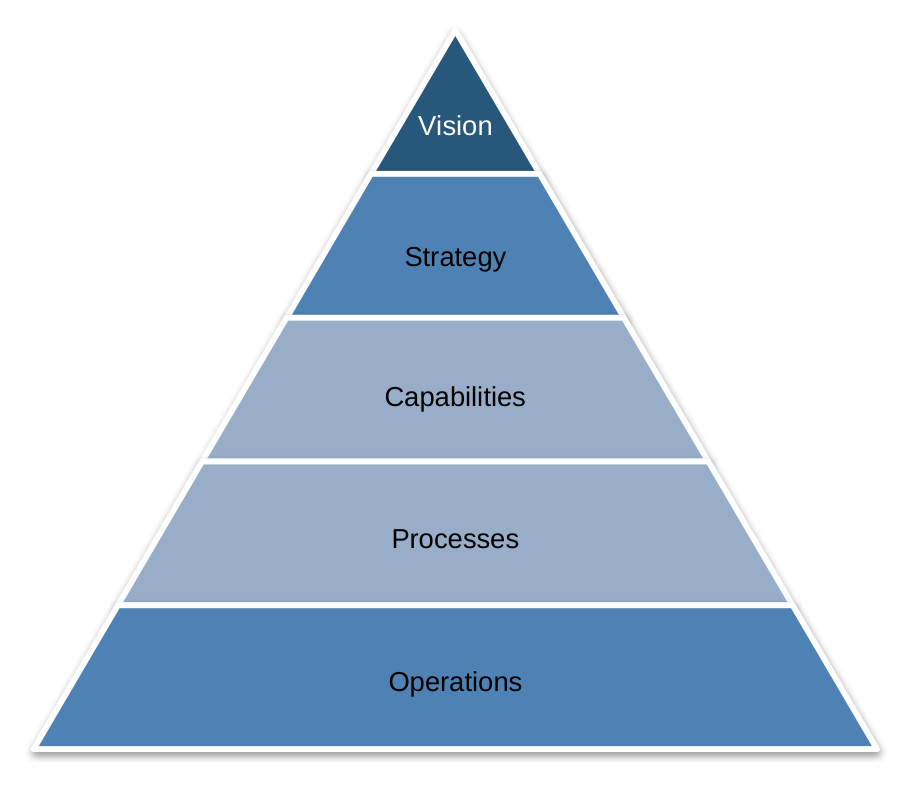
Arrange levels from the foundation to the top.
5 levels
Make it yours.
Give your assistant your own content, then edit the result in Word or PowerPoint.